Chapter 1
Getting started
Rejoice! is a building-and-operations game where theology drives the architecture. You choose a tradition, build or inherit a church, and then run it Sunday by Sunday: its money, its staff and volunteers, its ministries, and the building itself. This chapter walks you from the title screen to your first Sunday.
The title screen
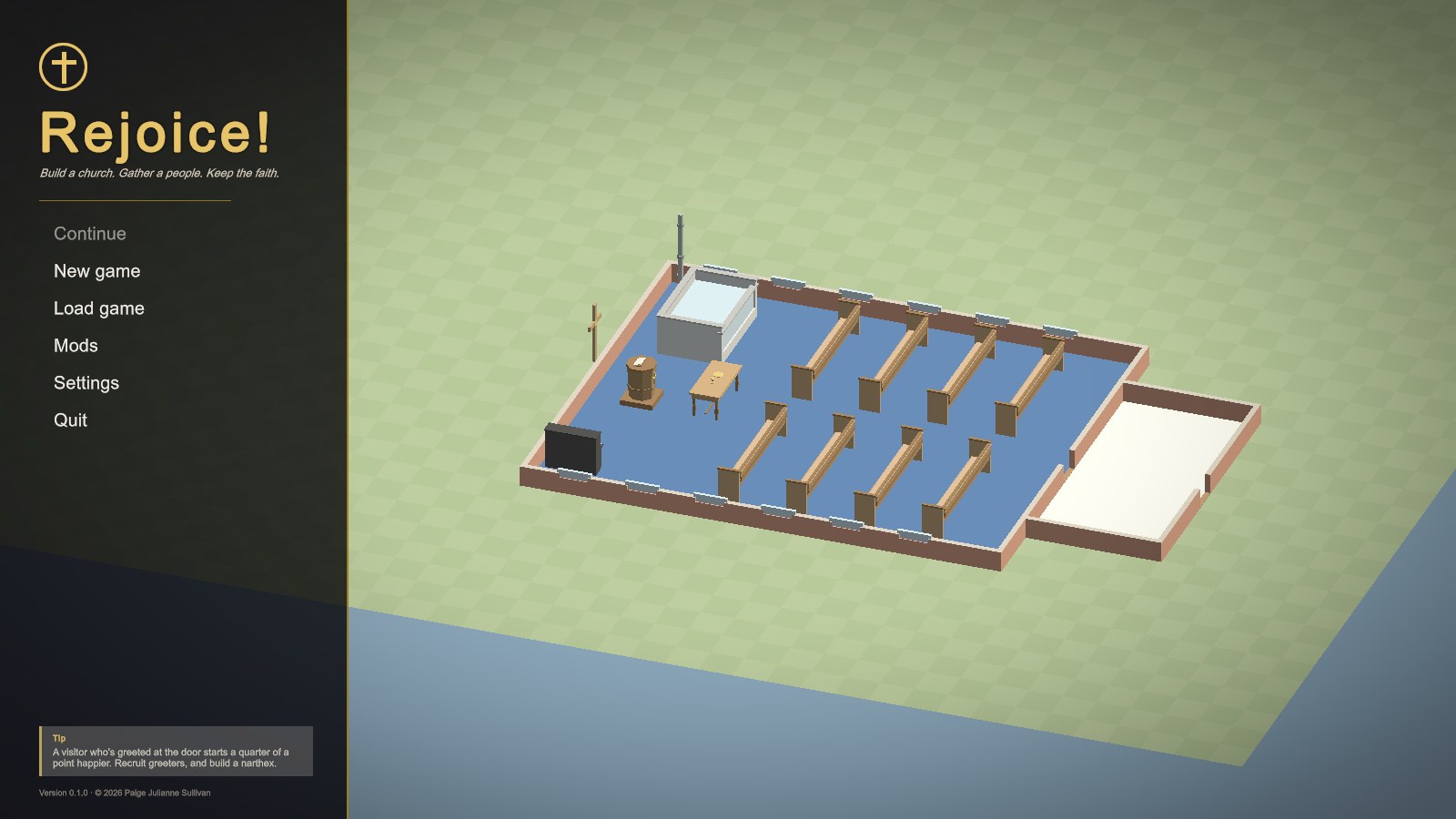
- Continue picks up your most recent save (or the monthly autosave).
- New game lists the scenarios, followed by free play.
- Load game shows your saves, each with a thumbnail of the church as it was.
- Mods shows the tradition packs you've installed and any problems in them, and is where you can found a tradition of your own (see Traditions, beliefs and stances).
- Settings has autosave, interface size, full screen, and hints.
Starting a game
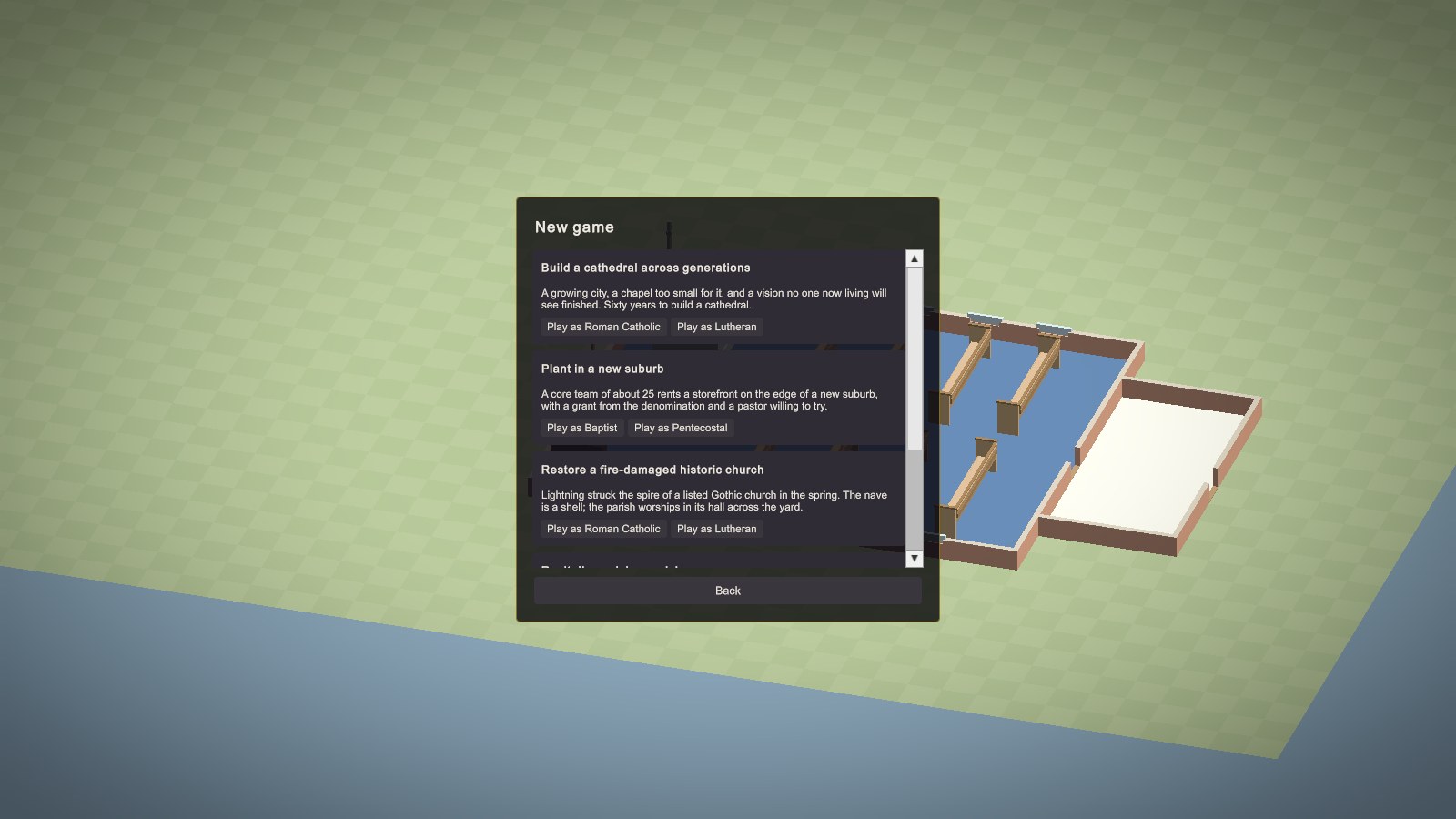
There are three ways to play.
Scenarios
A scenario hands you a particular church in a particular situation, with goals to reach and failures to avoid. There are four, each playable in two traditions:
| Scenario | Traditions | The situation |
|---|---|---|
| Revitalize a dying parish | Baptist, Catholic | About 120 people, mostly over 55, in a 1958 building built for twice that. The money runs out unless you act. |
| Plant in a new suburb | Baptist, Pentecostal | A core team of 25 in a rented storefront. Grow, then build a church of your own before the grant runs out. |
| Restore a fire-damaged historic church | Catholic, Lutheran | A listed Gothic church whose nave is a burnt-out shell. Raise the money, restore it, and bring the people home. |
| Build a cathedral across generations | Catholic, Lutheran | Sixty years to raise a nave for 800, twelve stained-glass windows, a pipe organ, and a steeple. |
Full walkthroughs are in Scenario walkthroughs.
Free play: a small church
A small church starts you at First Baptist Church: a nave of eight oak pews, a pulpit, a communion table, a baptistry, an upright piano, about 70 people, a bivocational pastor, $25,000 in the bank, and a $150,000 endowment. It's the easiest place to learn the controls. Most of the screenshots in the early chapters were taken there.
Free play: the sandbox
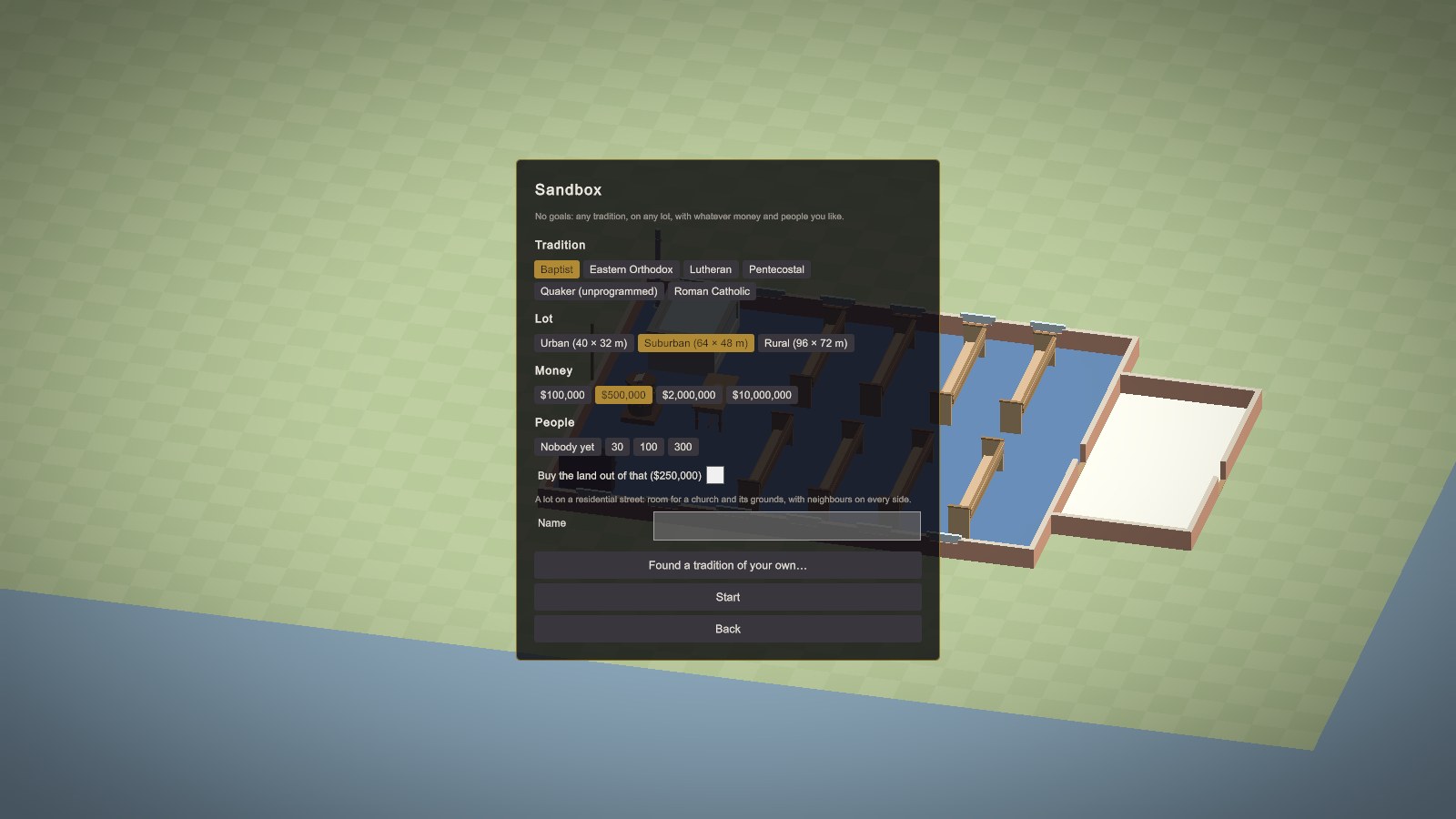
The sandbox gives you an empty lot with no goals. You choose:
- Tradition: any of the six shipped traditions, any installed from mods, or one you've founded.
- Lot: urban (40 × 32 m), suburban (64 × 48 m), or rural (96 × 72 m). See Rooms, materials, styles and lots.
- Money: $100,000, $500,000, $2 million, or $10 million to start.
- People: nobody yet (a true plant), 30, 100, or 300.
- Buy the land out of that: tick it, and the lot's price comes out of your starting money.
The books open at once, so building costs real money. But a sandbox church needs no approval for building work until it first passes the building check. After that, big work goes to whoever your tradition says decides (see Projects, approvals and conflict).
An empty lot with no tradition
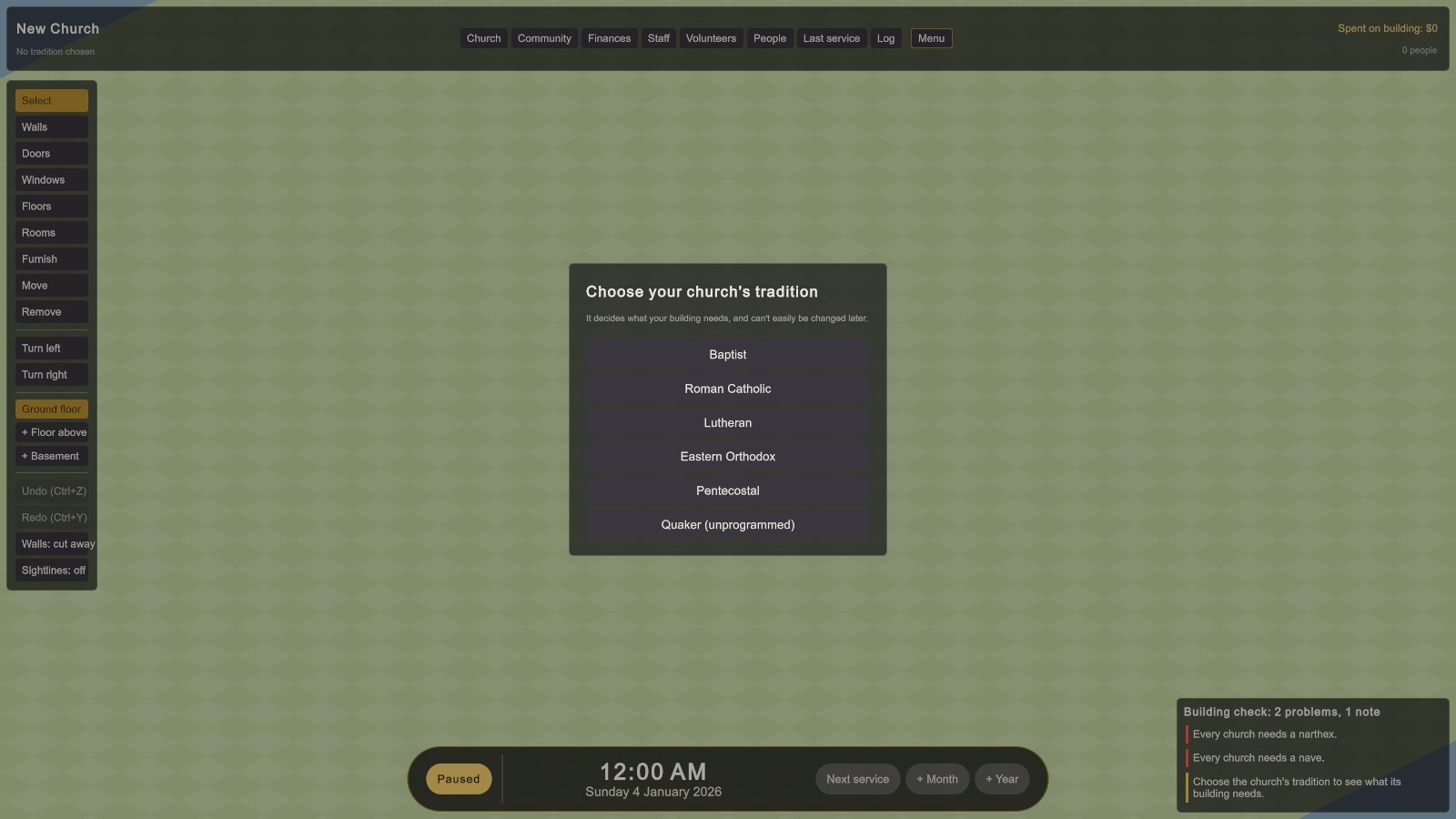
Whenever a church has no tradition chosen, the game asks for one before anything else. The choice is hard to undo: it decides which rooms and items are required, who approves projects, and what the congregation expects of worship.
The screen
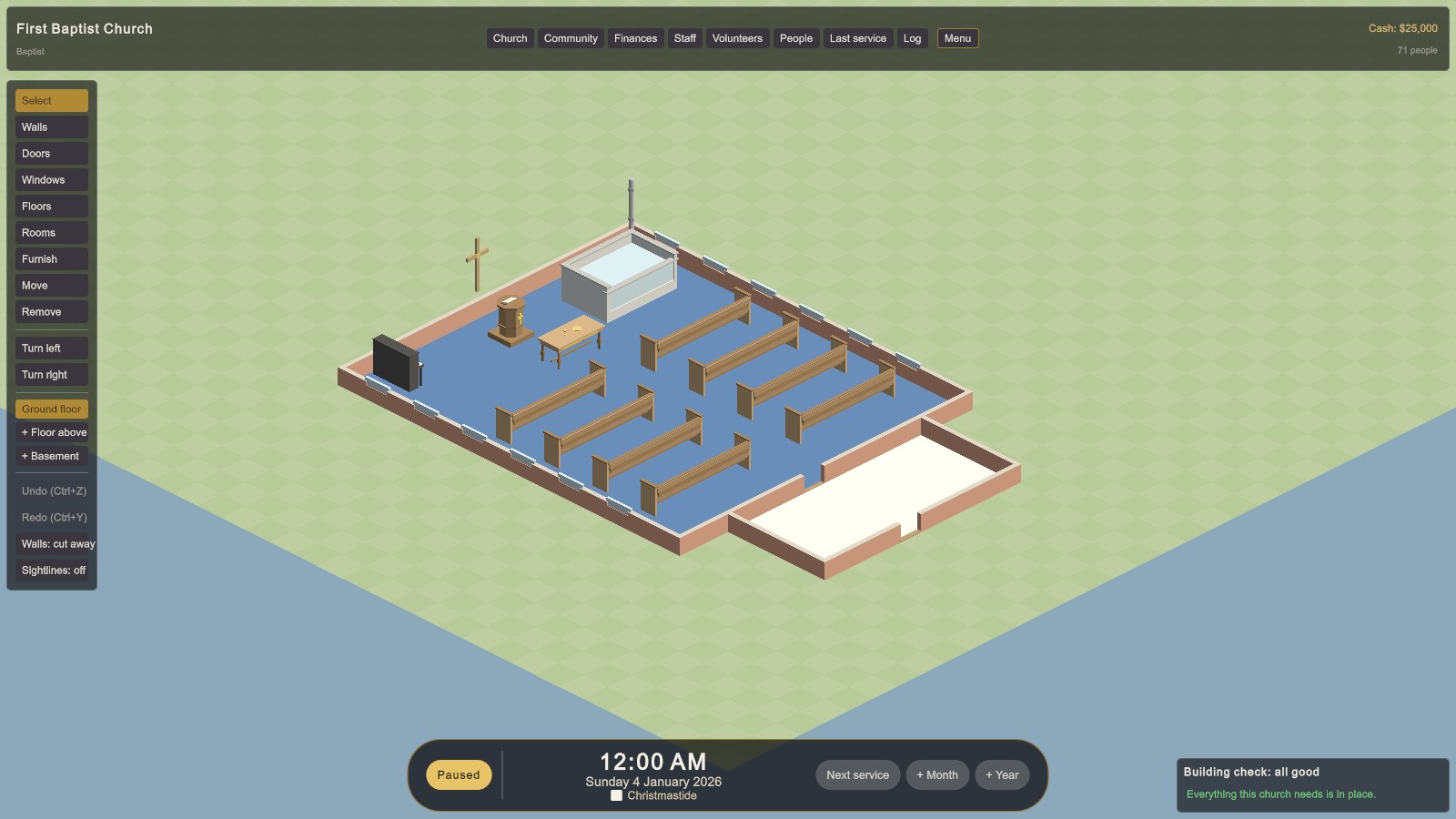
The top bar
On the left are the church's name and tradition. In the middle are the management screens:
| Button | What it opens | Chapter |
|---|---|---|
| Church | Goals, the church itself (name, style, orientation, access, growth, lot, climate), Worship, Projects, and Beliefs | 4, 7, 11, 13 |
| Community | Standing in the community, outreach, ministries, rentals, weddings and funerals | 12 |
| Finances | Overview, Monthly, Weekly, and Budget | 8, 9 |
| Staff | Who's on the staff, and hiring | 10 |
| Volunteers | Greeters, ushers, nursery workers, choir, musicians, A/V techs | 10 |
| People | Everyone in the congregation, and the services they attend | 3 |
| Last service | The service report: who came, who was late, who stood | 2 |
| Log | Every message this game, newest first, with when it happened | 15 |
| Menu | Resume, save, load, settings, main menu, quit |
On the right are the cash, how many people the church has, and how many came last Sunday. In a sandbox with the books closed, it shows what you've spent on building instead.
The tool bar
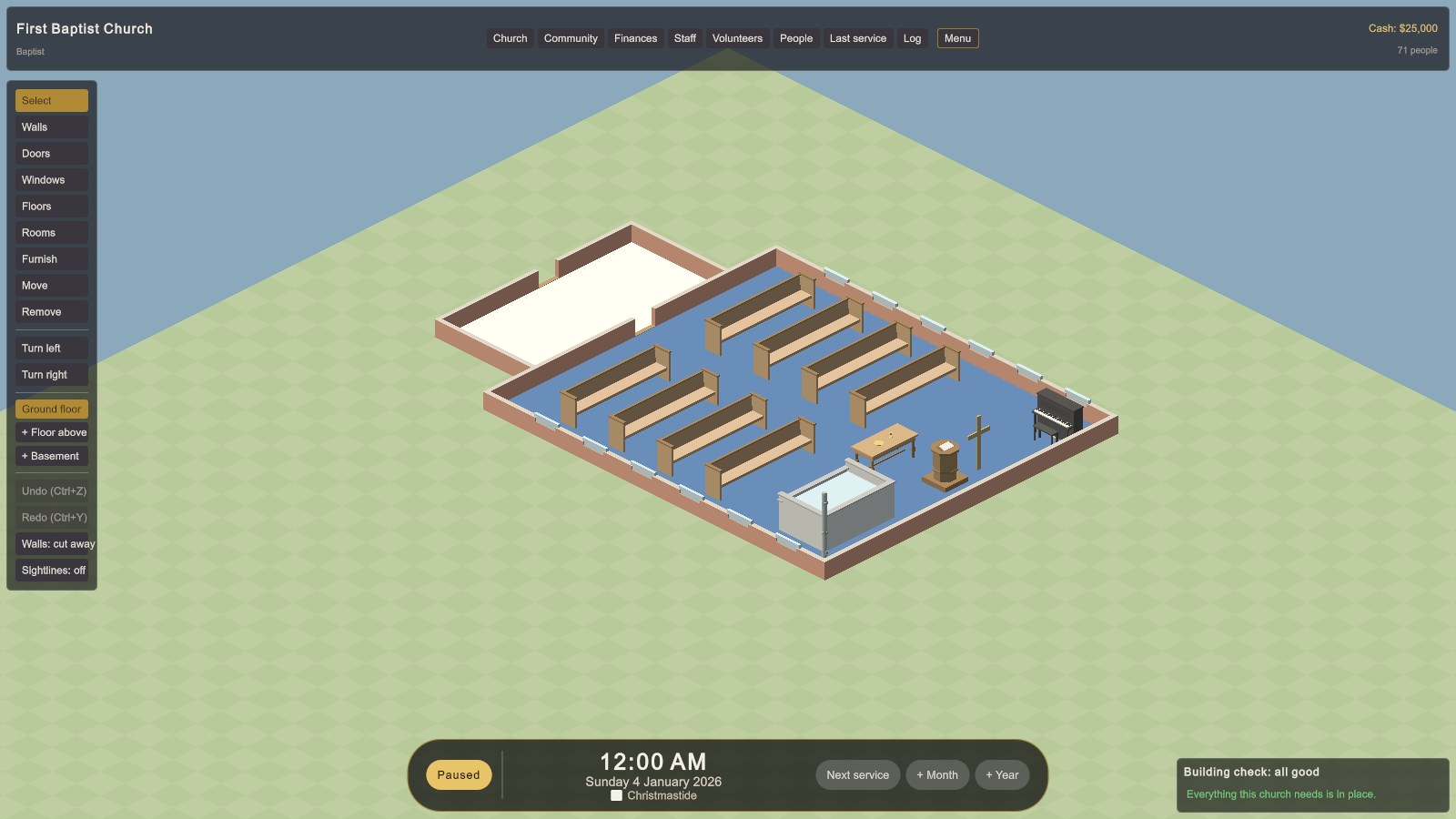
Down the left side are the building tools (Select, Walls, Doors, Windows, Floors, Rooms, Furnish, Move, Remove), the view turns, the level buttons (the floor you're on, + Floor above, + Basement), undo and redo, and two view switches: Walls: full / cut away and Sightlines: on / off. All of these are covered in Building your church.
The time bar
At the bottom are the Pause button (lit yellow whenever time is stopped), the clock and date, the season of the church year with its liturgical colour, the part of the service under way, and three skip buttons: Next service, + Month, and + Year.
The building check
At the bottom right, the building check lists everything your building still lacks, most serious first. Red bars are problems: a missing nave or narthex, or something your tradition requires. Yellow bars are notes: things expected, or worth knowing (such as an upper floor with no lift). Click the header to fold it away. "All good" in green means nothing is missing.
How time passes
Rejoice! paces itself around worship. Between services, time jumps ahead to half an hour before the next one. It then runs at a minute of game time per real second until half an hour after the service ends, so you can watch everyone arrive, worship, and go home.
- New and loaded games start paused. Press Space or click Pause to start the clock.
- Time also waits by itself: while you have a building tool (anything but Select) chosen, while a management screen, menu, or dialog is open, and while an important message (a problem, a decision on a project, a conflict) waits at the bottom of the screen to be read. Routine news fades by itself.
- Next service runs on to half an hour before the next service, past the rest of this one.
- + Month and + Year fast-forward at once and finish with one summary of what happened.
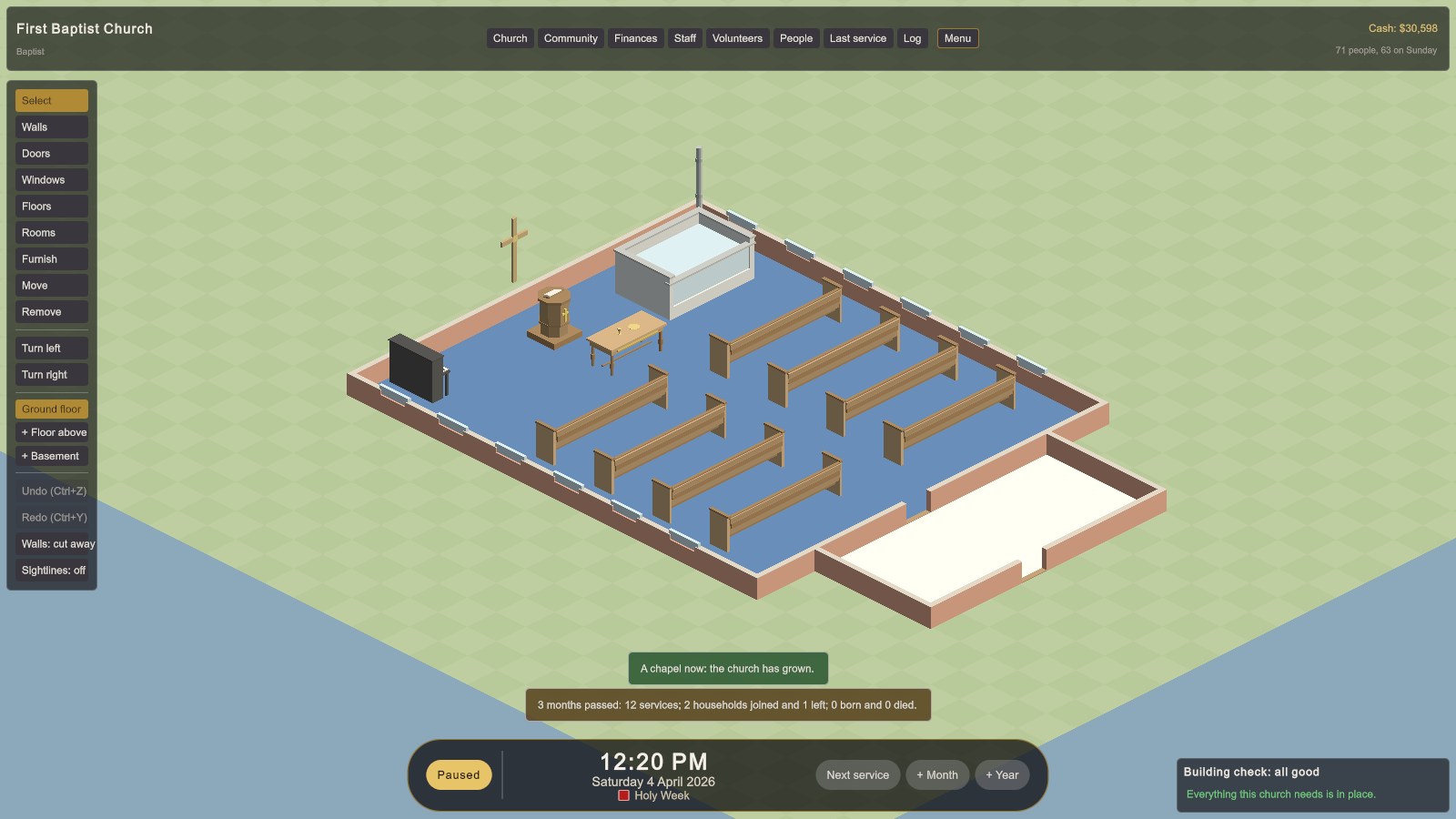
Half an hour before each service, the game pauses to ask what the sermon will be about. Your choice can lift or trouble the congregation. See Worship and the church year.
Controls
| Action | Keys and mouse |
|---|---|
| Pan the view | WASD or the arrow keys, middle-drag, or push the mouse to the edge of the screen |
| Zoom | Scroll wheel (it zooms toward the cursor) |
| Turn the view | Q / E, or Turn left / Turn right on the tool bar (a quarter turn each) |
| Full or cut-away walls | V |
| Build | Choose a tool on the left, then click or drag. Right-click or Esc cancels. |
| Turn an item | R |
| Move an item | Move tool: click it to pick it up, click where it goes. Esc puts it back. |
| Undo / redo | Ctrl+Z / Ctrl+Y |
| Pause | Space, or Pause on the time bar |
| Inspect | Click a person or a room. Point at an item for its description. |
| Step back / menu | Esc closes a selection or screen, then opens the menu |
| Cheat console | Alt+C (see Sandbox, cheats and quick reference) |
| Full screen | Alt+Enter |
Menus, saving and settings
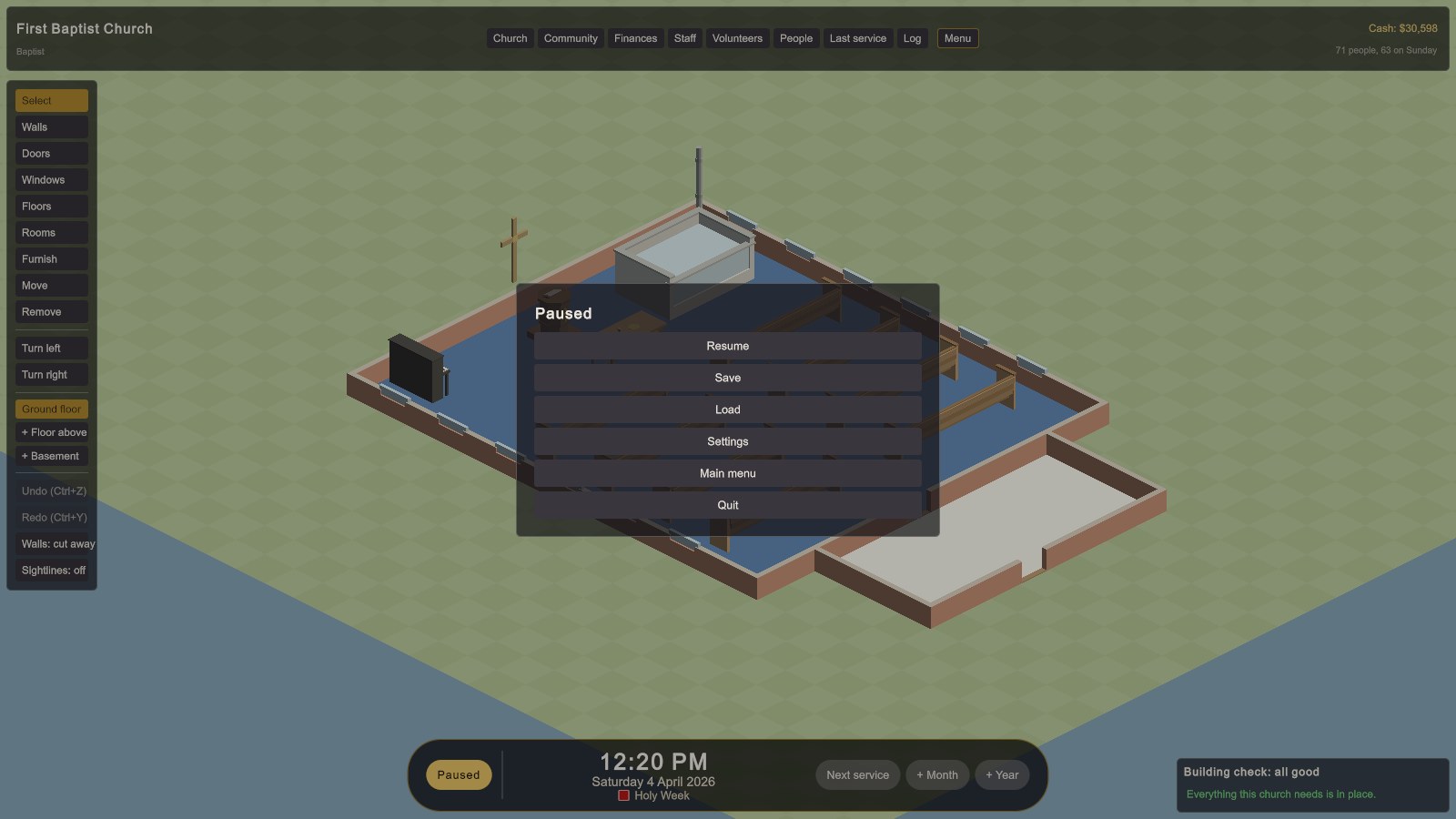
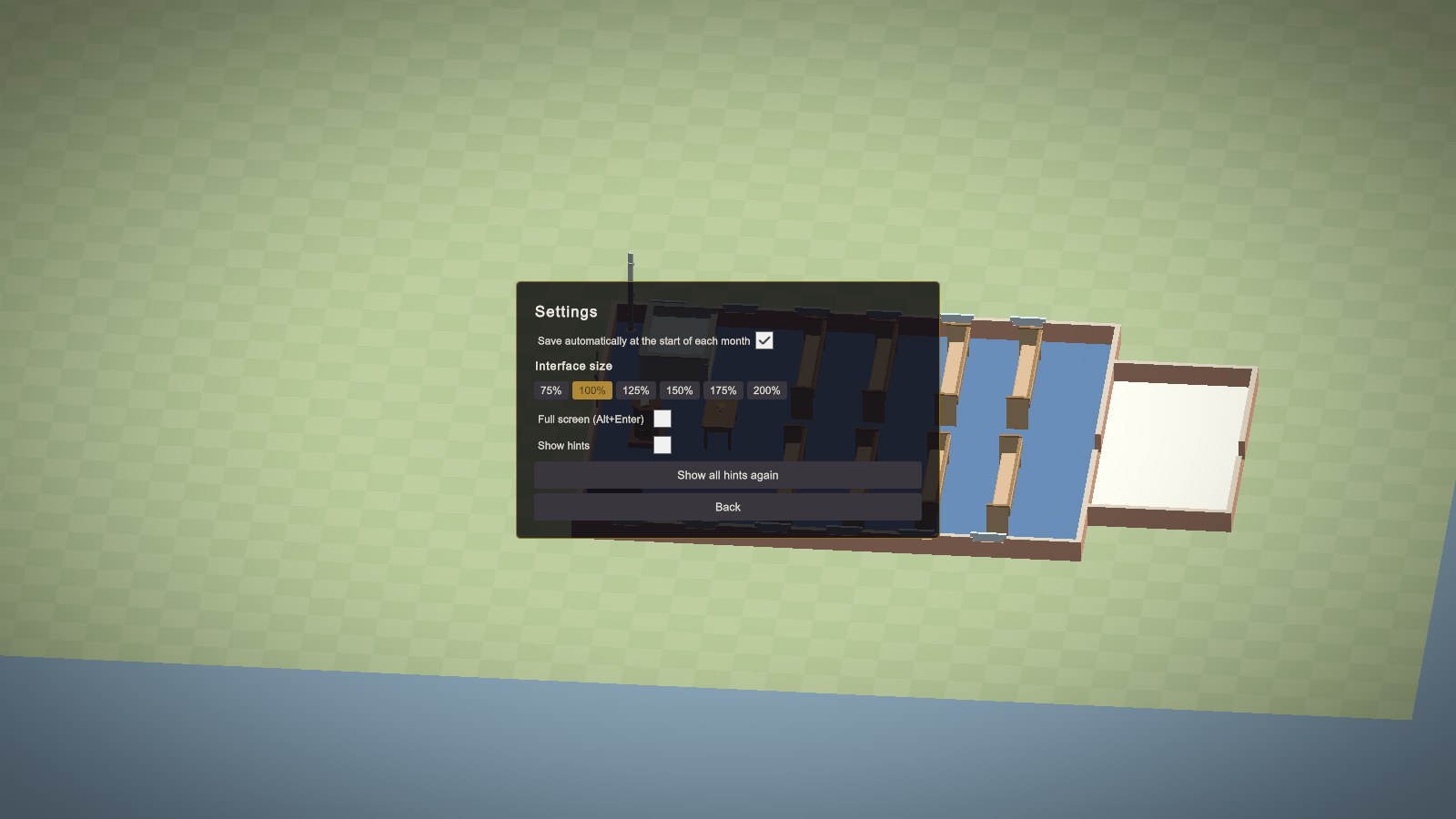
- Saves go to your own data folder, each with a picture of the church. With autosave on, the game also saves at the start of each month.
- Interface size scales every panel. The interface also scales with the window, which you can resize.
- Hints are first-time tips that appear as you meet each part of the game. Turn them off, or use Show all hints again to start over.
Your first Sunday: a checklist
Whatever church you start with, these are almost always right. The game starts paused, so take your time.
- Read the building check. Every required item or room that's missing costs everyone 0.08 satisfaction after every service. Required items are usually cheap (a pulpit, a font, a lectern), so fix them first.
- Open Finances → Overview. Read the warnings and what's due on the 1st. If next month would overdraw you, act now.
- Set a maintenance budget (Finances → Budget). Even $200 to $300 a month keeps a small church's systems from failing.
- Set the endowment drawdown to 4 to 5%. The endowment earns about 6% a year, so anything up to about 5% is sustainable.
- Recruit volunteers: at least two greeters, two ushers, and two nursery workers. They're free, and greeters alone can turn a visitor's first Sunday around.
- Check access (Church → Church). Is there a step-free way in? Is there a hearing loop?
- Let a Sunday run, then open Last service and click a few people to see what they felt.
The next chapter explains why each of these matters.